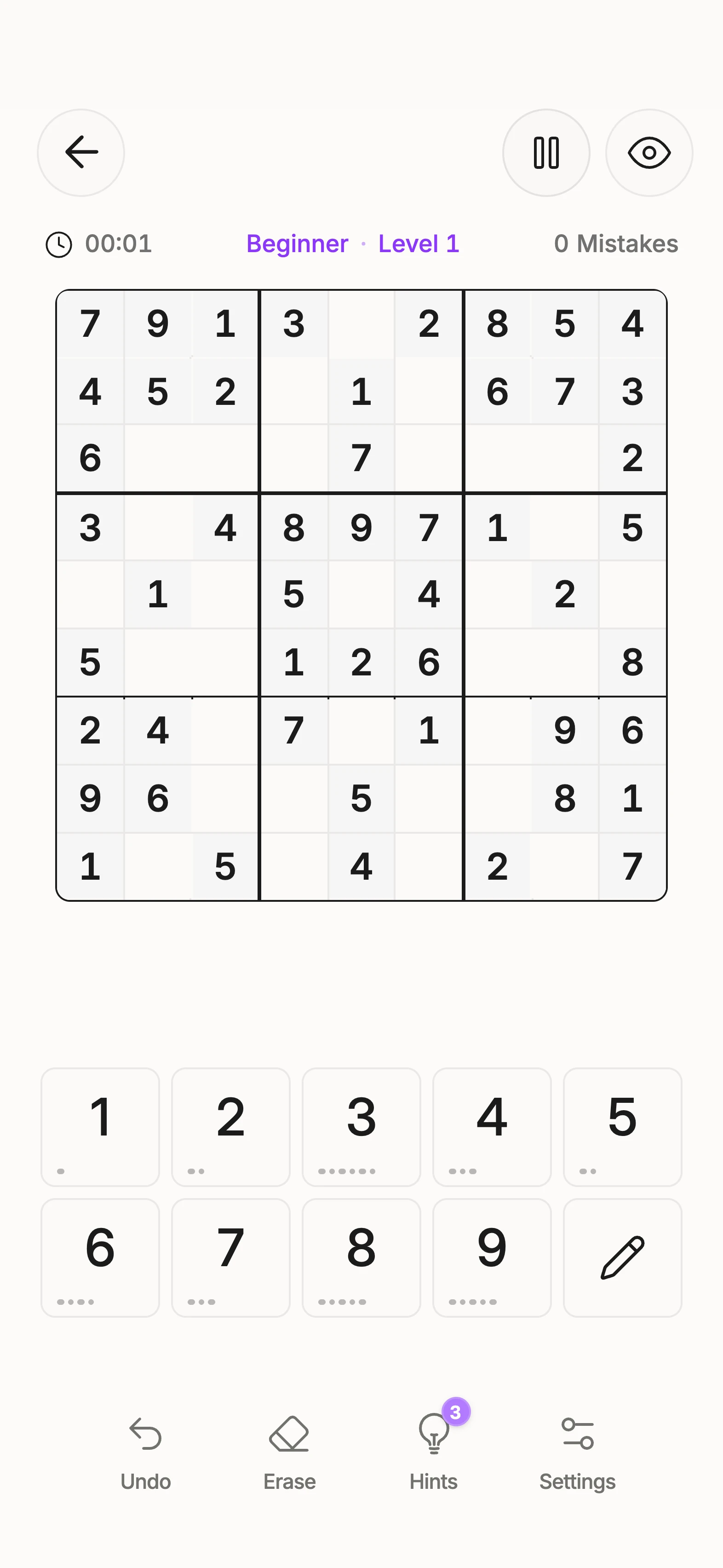
Stuck on a puzzle?
Check the next logical steps and learn how to read a hint.
Read more: Stuck on a puzzle? Unisu Sudoku
 Choose language
Answers about hints, lessons, offline play and saved games. For a question about your own app experience, use the contact form.
Check the next logical steps and learn how to read a hint.
Read more: Stuck on a puzzle?Find an entry point that fits what you already know.
Read more: Starting with lessonsOpen the relevant area, then the reason, then the concrete move. Enter digits yourself and explicitly accept candidate eliminations.
No. Stages for one move count together once. There are three hints per puzzle, and you can reopen an explanation already viewed.
Open the app’s learning area and choose a lesson. Guided examples and your own tasks build on that technique’s prerequisites.
On your device. Games, progress and settings are saved locally; there is currently no cloud sync.
Unisu currently has no account-based or cloud synchronization. Do not assume installing it on a new device will restore local games.
Options include colors, text size, sound and haptics. Choose what suits your display and the capabilities of your device.
Describe the affected screen and what happened immediately beforehand. Your device model, operating system and app version help us reproduce it.
Use the website’s contact form or its published email address. We reply to inquiries by email.
Download Unisu on your phone. Start a Sudoku or choose a lesson on the technique you want to understand.