

Product

Play Sudoku offline with Unisu

Puzzles, lessons and saved games are local to the installed app. Downloading the app and sending a request need a connection.

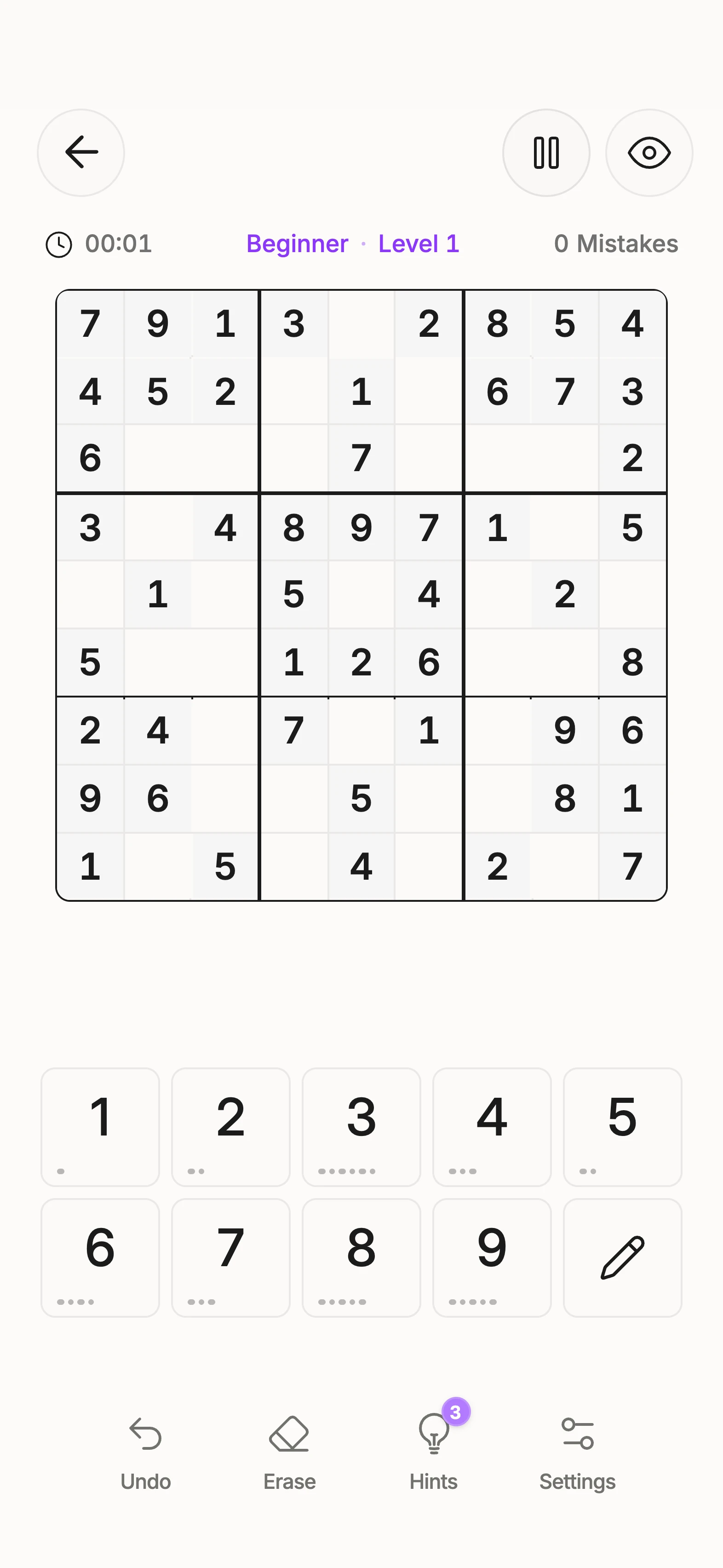
A classic Sudoku game in Unisu

Unisu’s puzzle catalogue and lesson data are included in the app. A classic puzzle or stored lesson does not need to be fetched from a server each time.

Install beforehand

Download the app from the appropriate store while connected to the internet. Open it and choose a puzzle or lesson. Games and settings are saved on your device.

What needs internet

Downloads and updates come from the store. External links and sending a contact request need a connection. An offline game is not a cloud backup.

Keeping your saves

Unisu currently has no cloud sync. Uninstalling can remove local games and progress. The app privacy policy explains local storage. This website itself does not contain a playable offline grid.

Frequently asked questions

What works without an internet connection?

The installed app includes puzzles and lesson data. Classic games and local saves do not require a fresh puzzle from a server.

What should I download before travelling?

Install Unisu while connected and open it beforehand. Puzzles and lessons are included locally; updates come through the store.

Are offline games saved?

Games and progress are saved on the device. Local storage is not a cloud backup.

What happens if I uninstall Unisu?

Uninstalling can remove local games and progress. Unisu currently has no cloud sync that restores them afterwards.

What still needs the internet?

Downloading or updating the app, opening external websites and sending a contact request. This website has no playable offline grid.

Download app

Ready for a puzzle? Take a moment.

Download Unisu on your phone. Start a Sudoku or choose a lesson on the technique you want to understand.

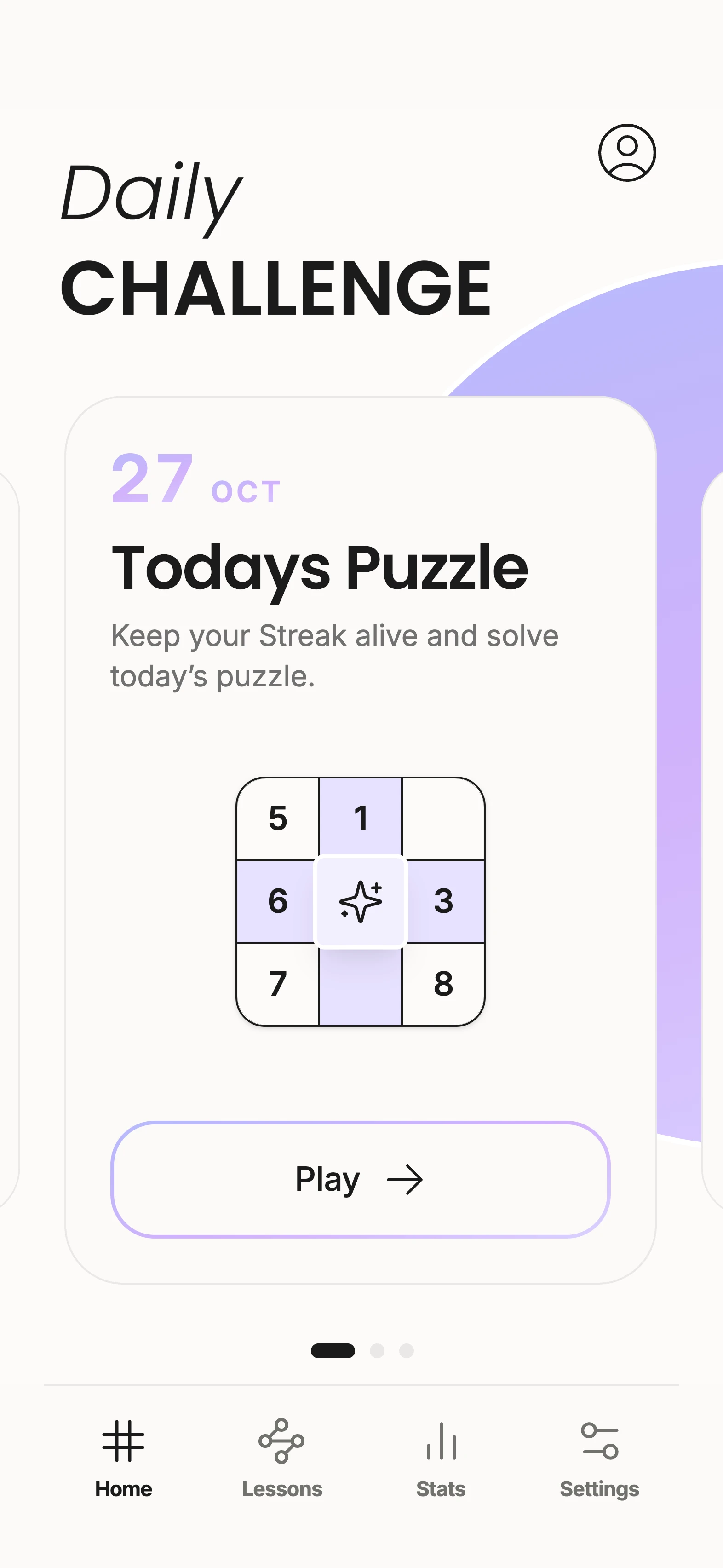
The daily challenge in Unisu
A classic Sudoku game in Unisu