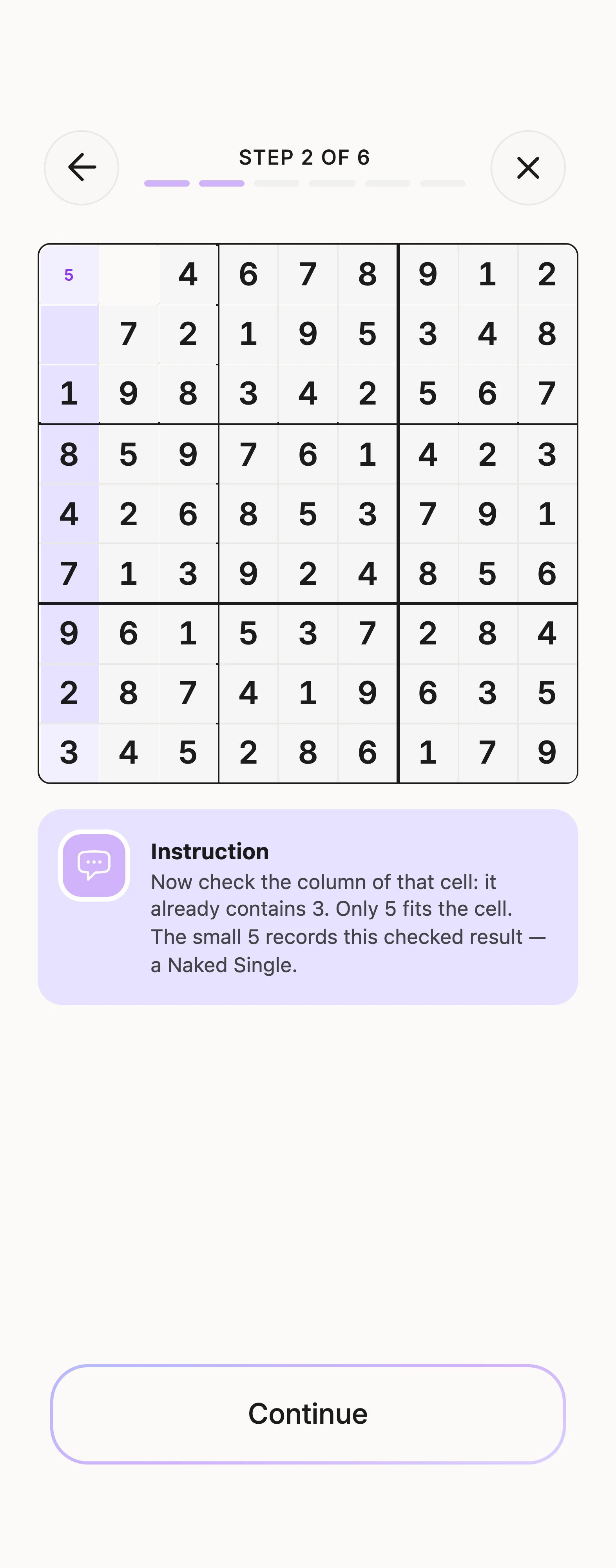
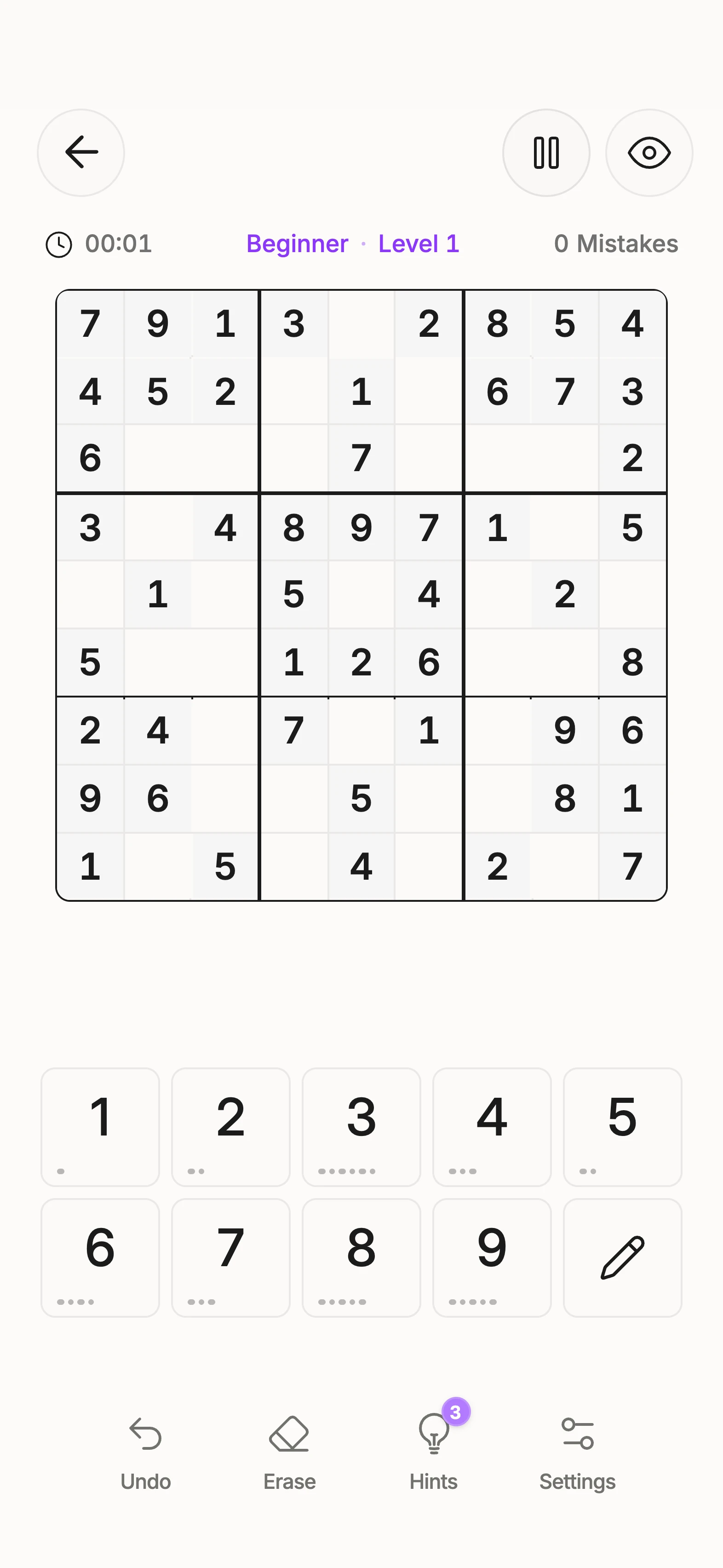
View the example grid
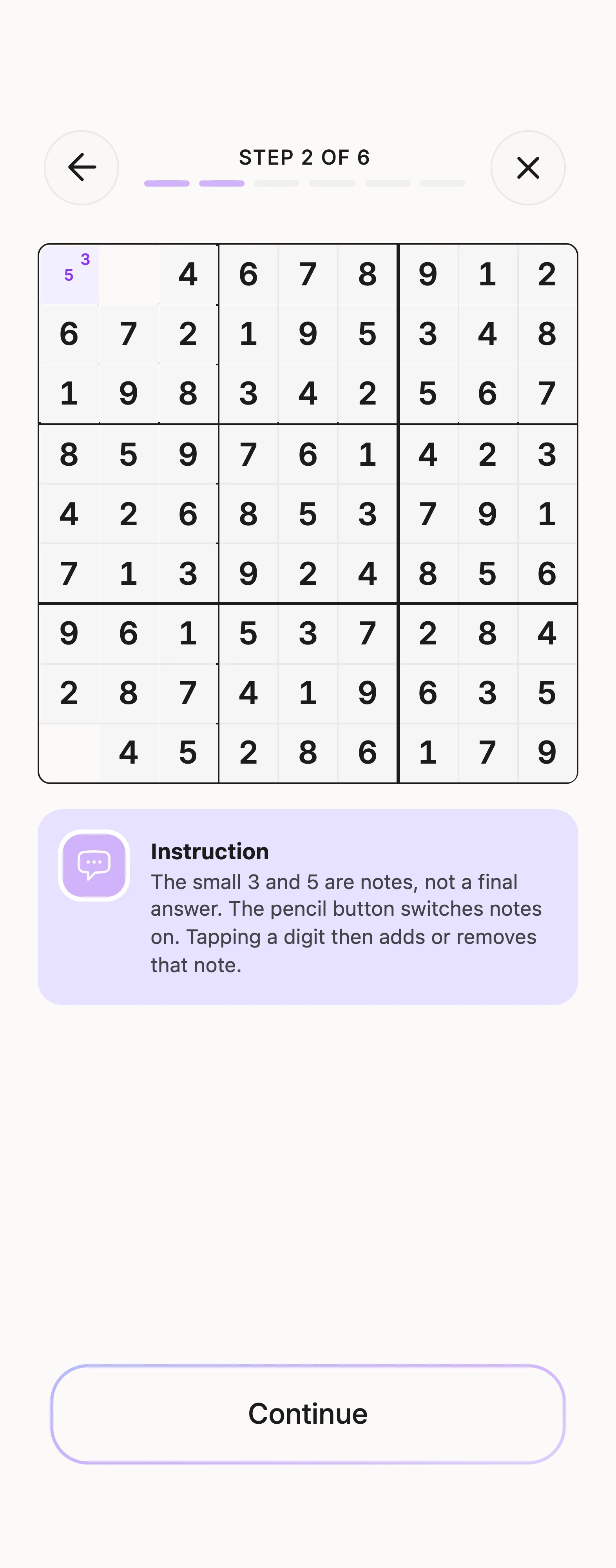
Candidates are the digits still allowed in an empty cell by the filled numbers in its row, column and box. Writing a candidate does not mean the digit will end up there.
A small example
If those three areas leave only 3 and 5, note both. Later, a certain 3 is placed elsewhere in the same row. Remove 3 from this cell’s notes. If only 5 remains, you have a Naked Single.
Recheck after a move
A placement affects its row, column and box. Update the notes there. A missing possibility can create a false pattern; an outdated note can hide a valid move.
A display is not a proof
A teaching image may show only the digit being discussed. Other hidden candidates have not automatically been eliminated. A technique depends on the actual candidate state. The candidates-and-notes lesson in Unisu gives you practice in adding and updating notes.
Frequently asked questions
Are small notes already answers?
No. They show possibilities for an empty cell. A justified placement is what fixes its value.
Which digits can I write as candidates?
Digits still allowed by the entries in that cell’s row, column and box. Remove candidates already ruled out logically.
Should I erase every note after a placement?
No. Update the affected row, column and box. Notes elsewhere remain unless their justification has changed.
Can a missing note create a false Single?
Yes. Forgetting an allowed candidate can make a cell appear unique. Check the complete possibilities before entering its last visible note.
Why do lesson images sometimes show only selected candidates?
They highlight the digits relevant to that step. A note hidden by the illustration has not necessarily been eliminated logically.
Keep practicing in Unisu
Download Unisu for iPhone or Android. Solve a puzzle or work through a guided lesson on the technique.